Link Your Bank Accounts
For each bank account that Minteo handles:
-
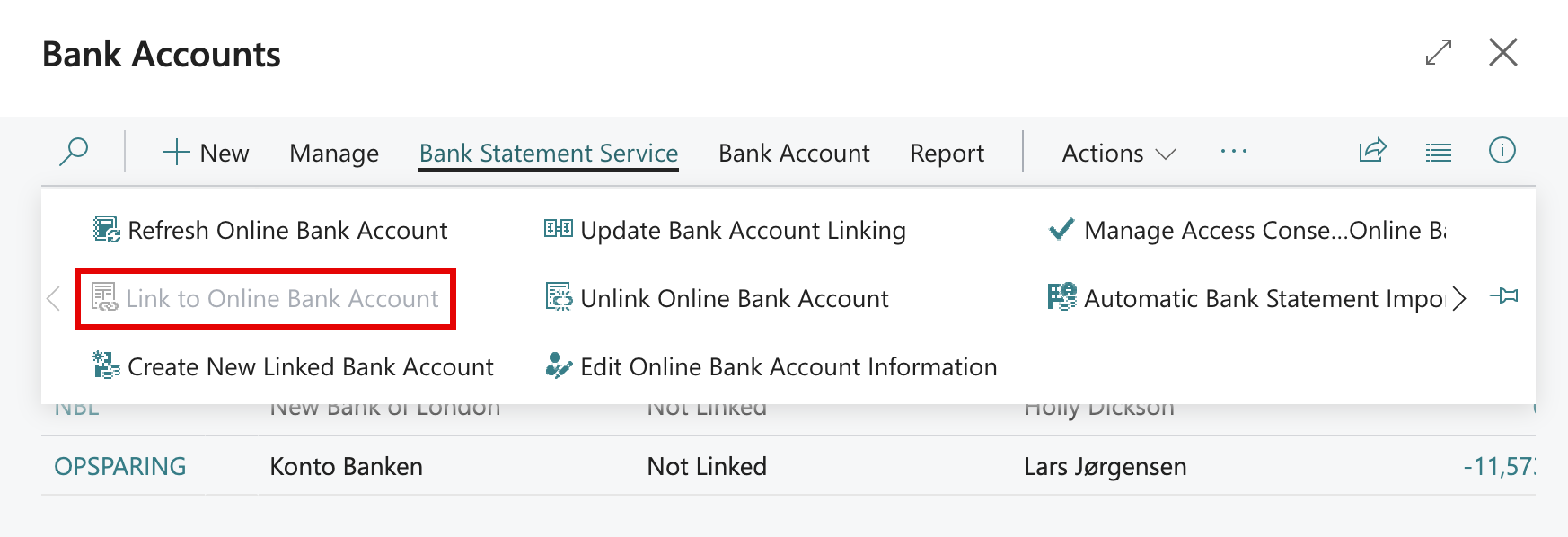
Open the Bank Accounts list or the Bank Account Card.
-
Under Bank Statement Service, choose Link to Online Bank Account.
-
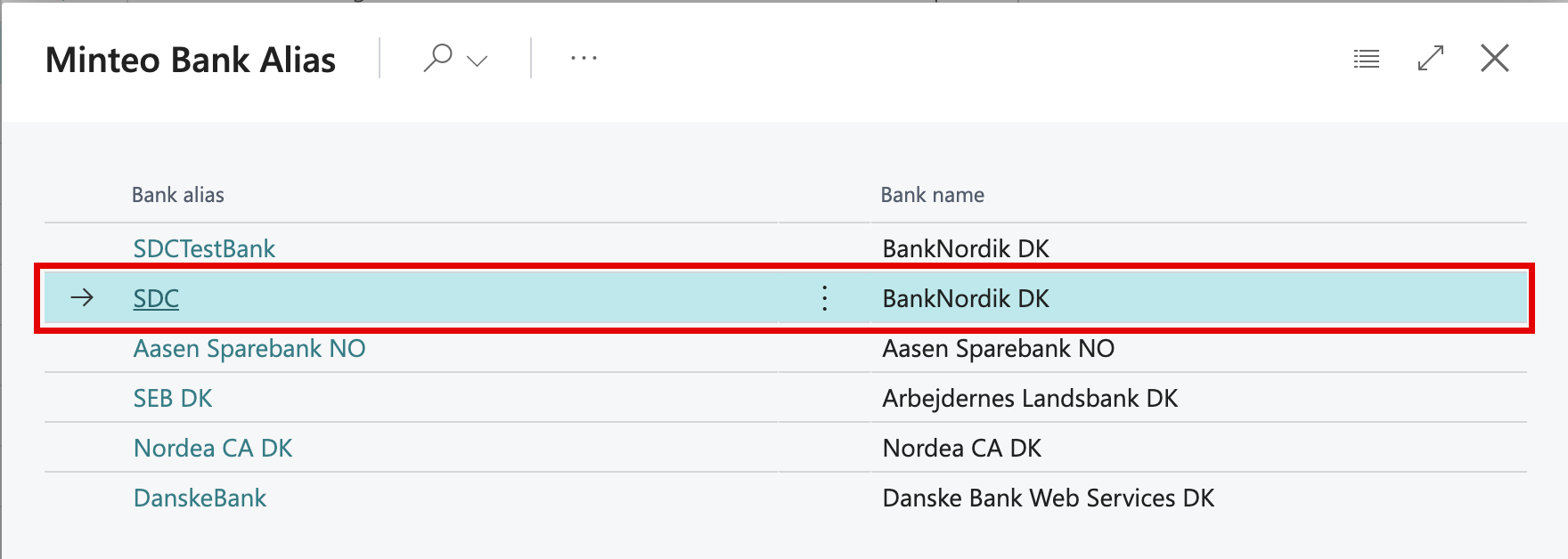
Choose your Minteo bank.
-
On the Transfer FastTab of the Bank Account Card, choose a number series in Credit Transfer Msg. Nos. Business Central requires it for sending payments to a bank; each export gets its message ID from this series.
Linking also sets Bank Statement Import Format and Payment Export Format to the Minteo formats. If the account already had other formats, you are asked to confirm the change.