Set Up Minteo
Minteo Bank Integration sends payments from Business Central to your bank and fetches bank statements back. It works through the standard Business Central features: the payment journal, bank reconciliation and the payment reconciliation journal.
Open the setup guide
Open the guide in one of two ways:
- Search for Assisted Setup and choose Set up Minteo bank integration in the list.
- Or search directly for Set up Minteo.
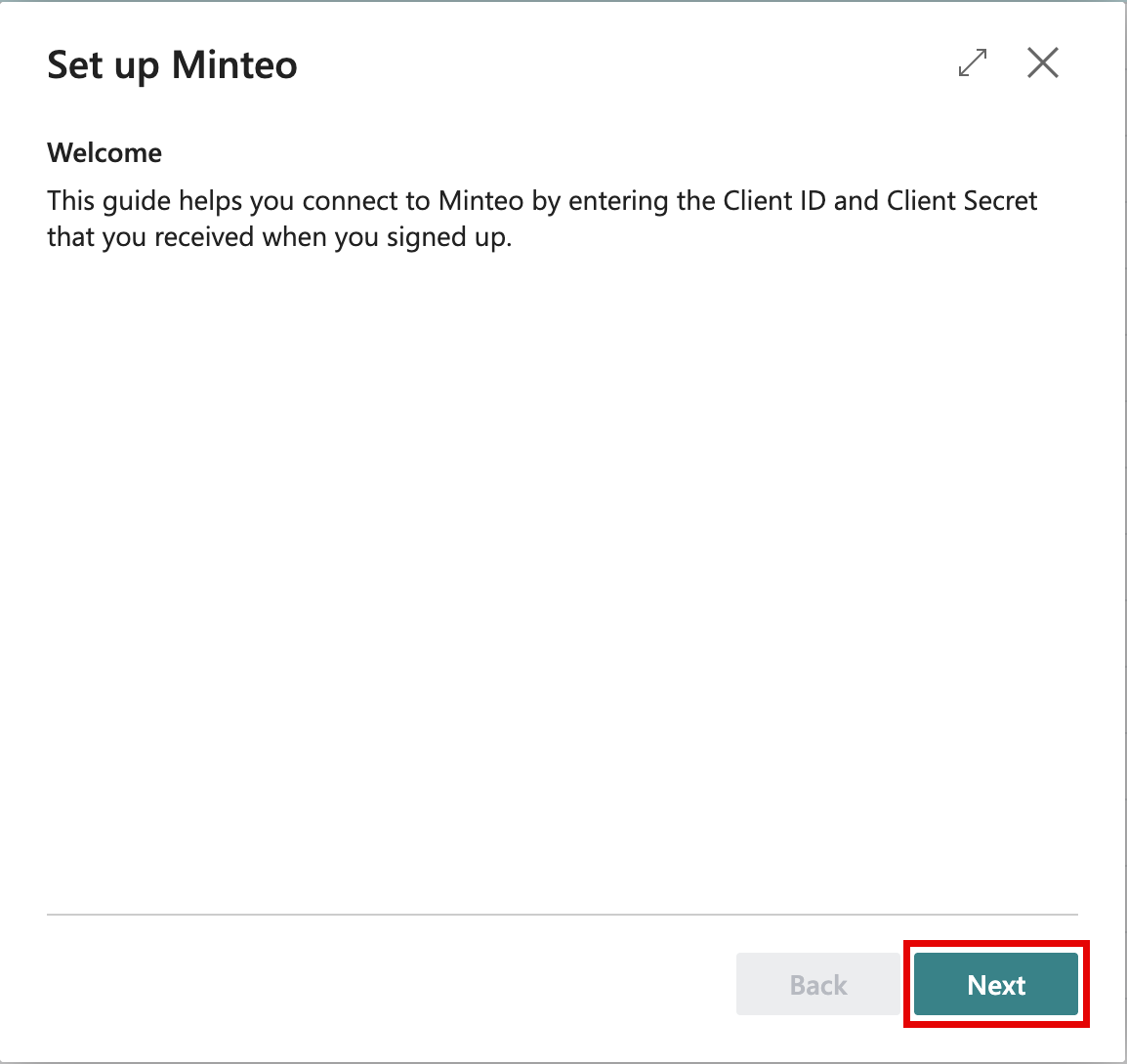
Run the guide
-
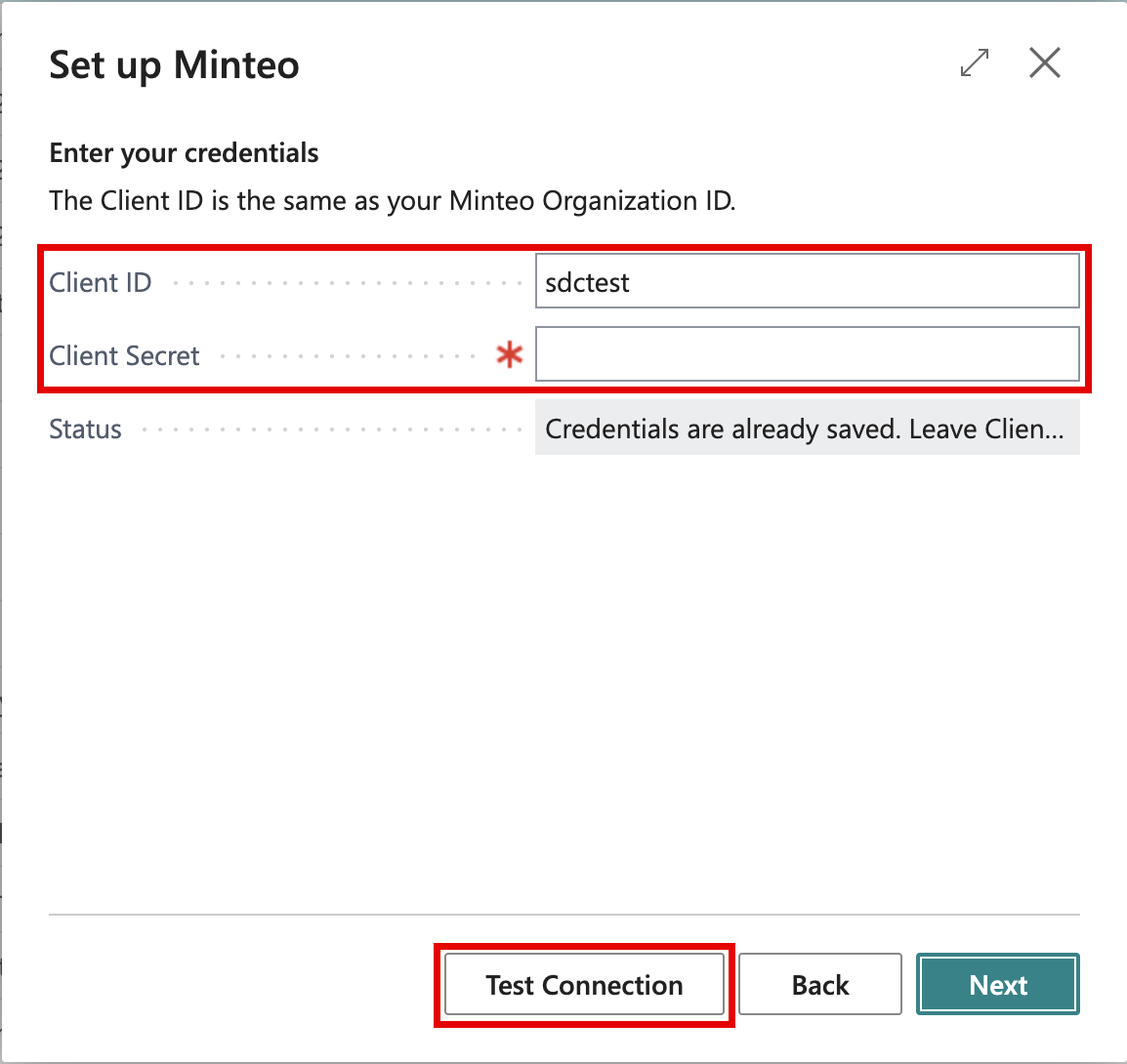
Credentials: enter your Client ID and Client Secret. Choose Test Connection to check them. The first time, you are asked to accept that Business Central connects to an external service.
-
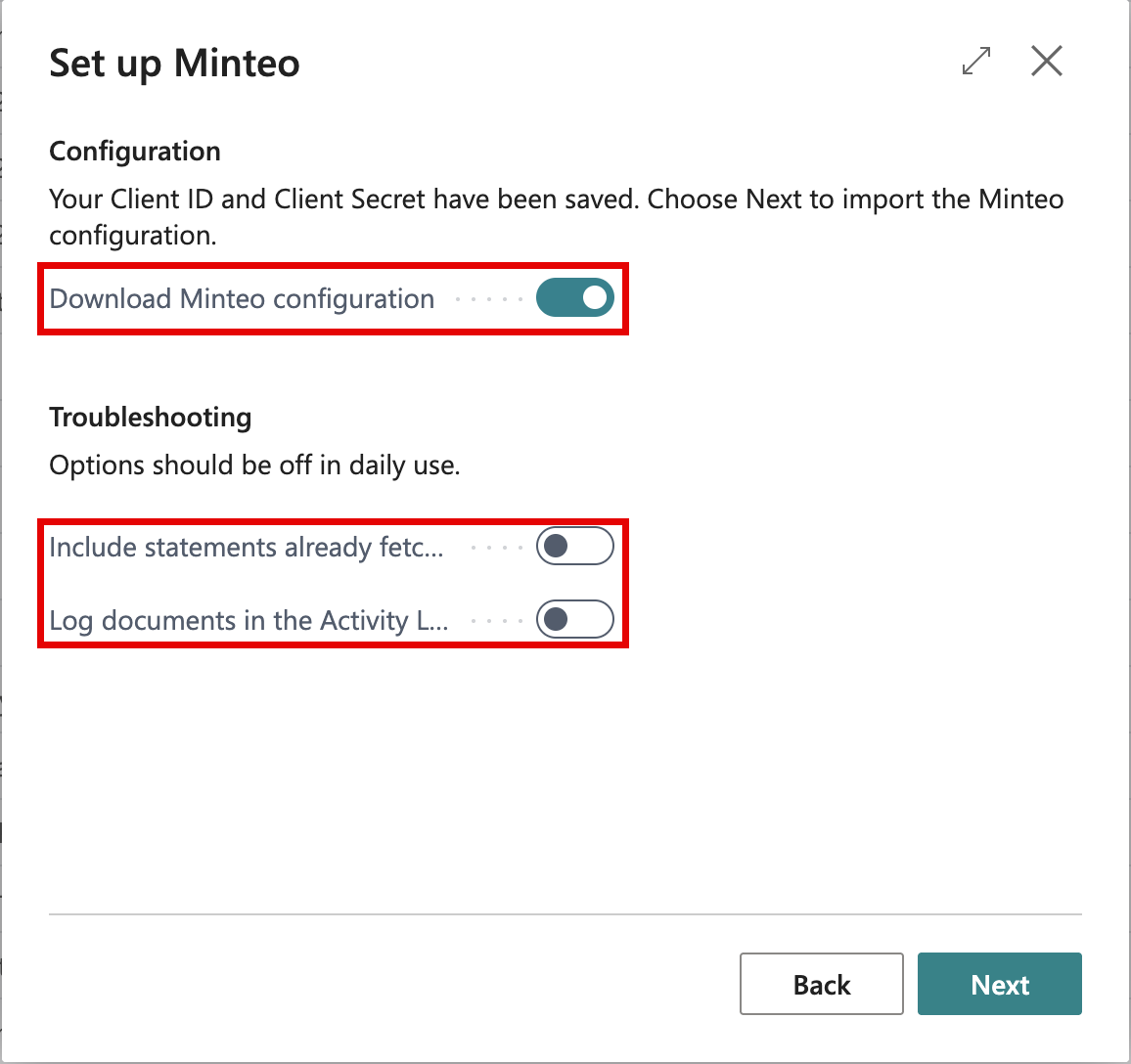
Configuration: leave Download Minteo configuration selected and choose Next. This imports the Minteo formats for payments and bank statements.
-
Troubleshooting: leave both options off in daily use. See Troubleshooting.
-
What's next: shows the remaining steps. Bank Accounts and Payment Methods open the pages directly.
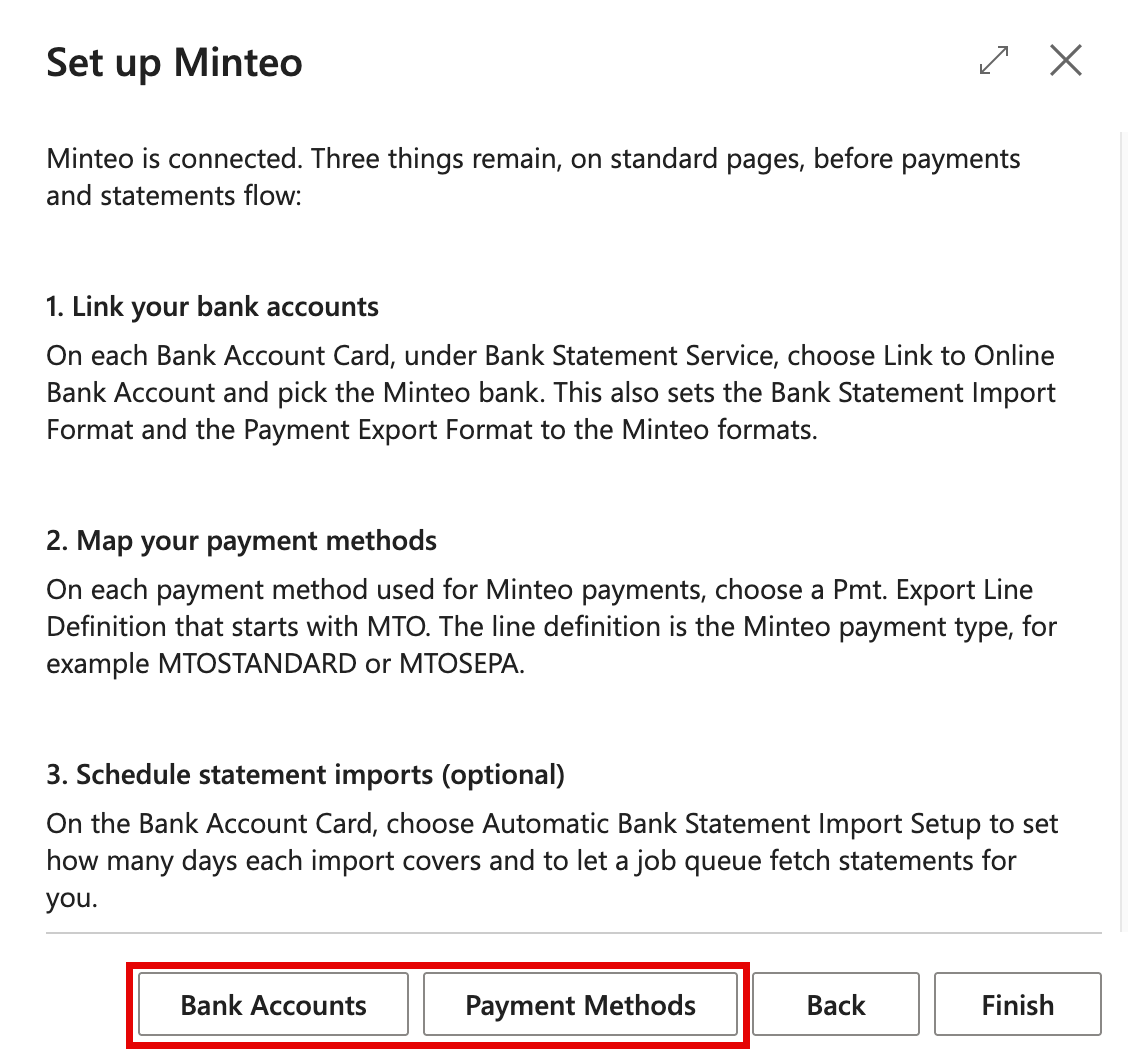
Continue with Bank Accounts and Payment Methods.