Send Payments
-
In the Payment Journal, create the payments or use Suggest Vendor Payments as usual, with the linked bank account as balancing account.
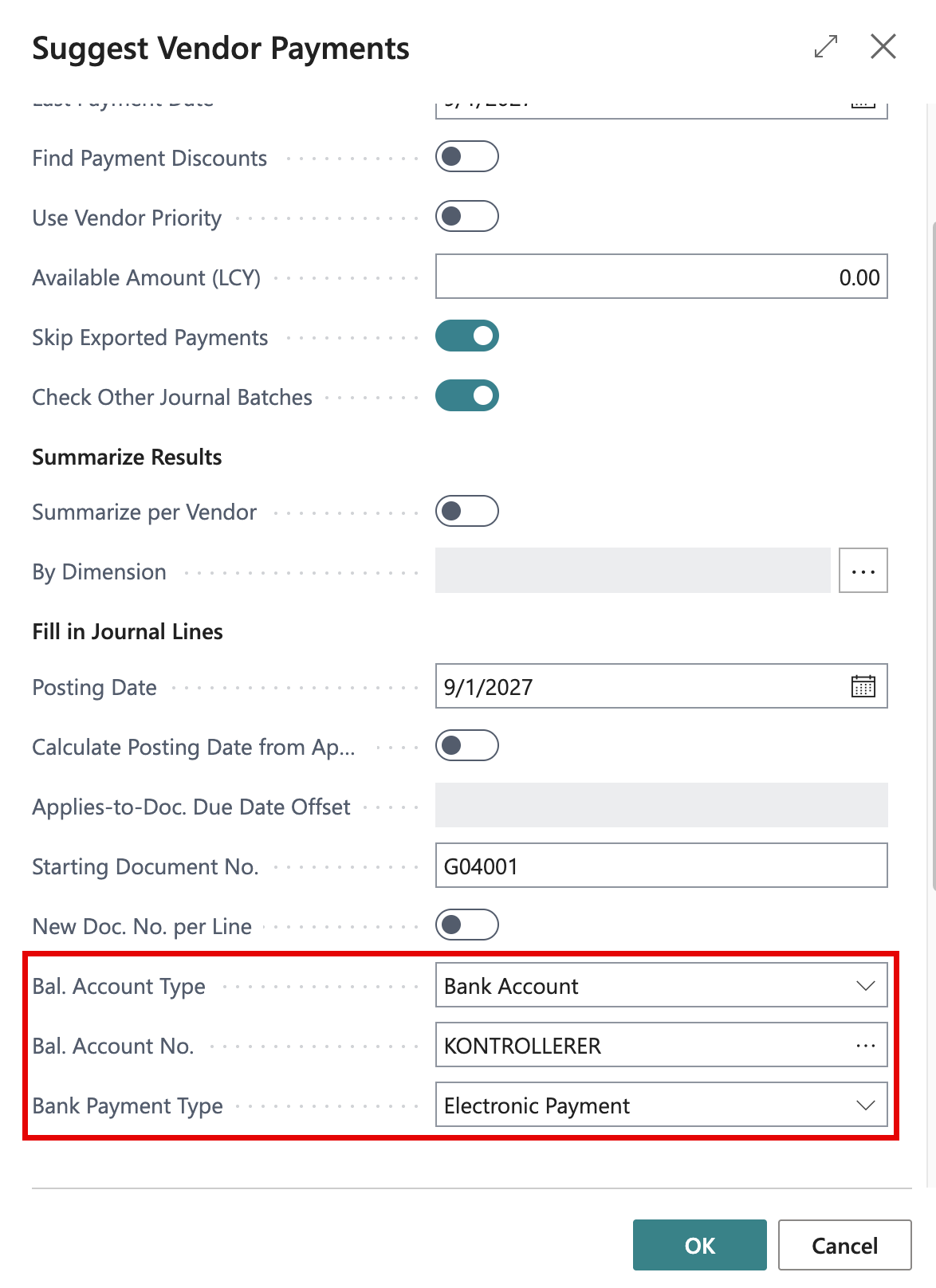
Make sure the lines have Bank Payment Type set to Electronic Payment. You can fill it in for all lines at once in Suggest Vendor Payments, as in the picture above.
-
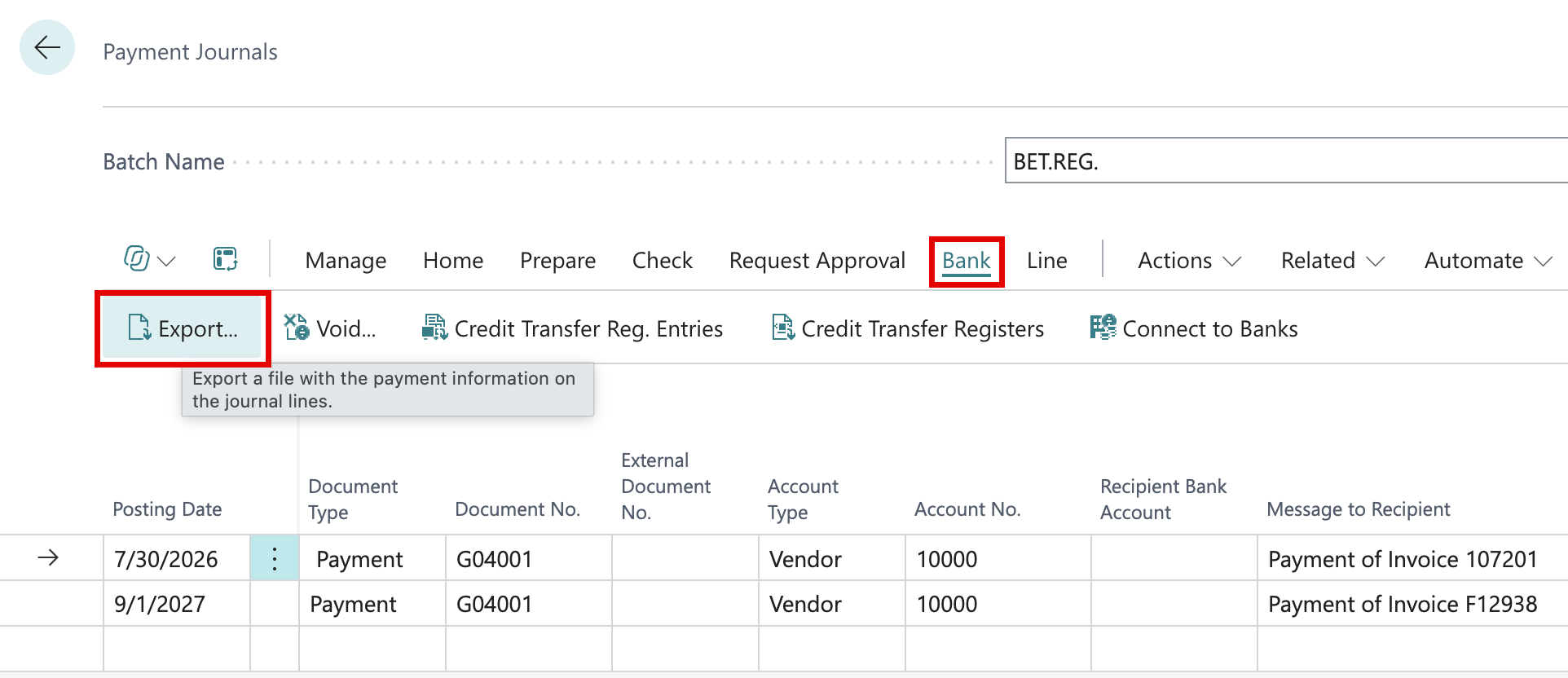
On the Bank tab, choose Export…. The payments are sent directly to Minteo; no file is saved.
-
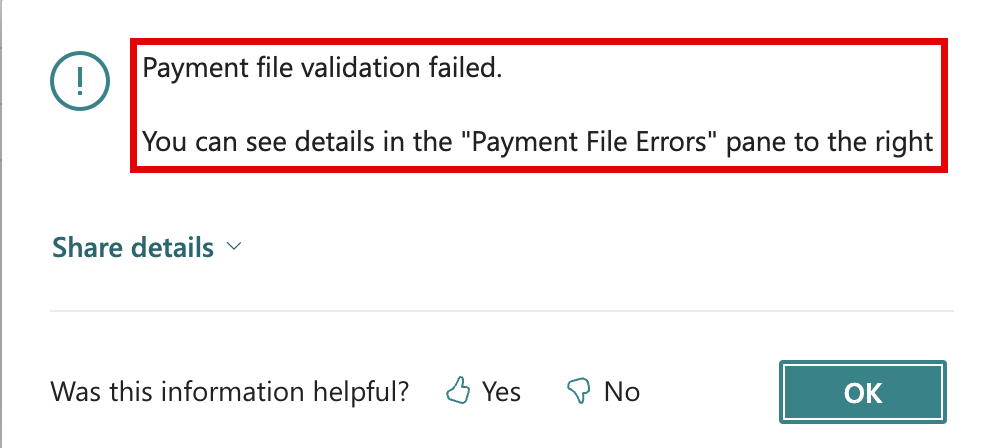
If Minteo rejects a payment, Business Central tells you that the validation failed. Nothing is marked as exported.
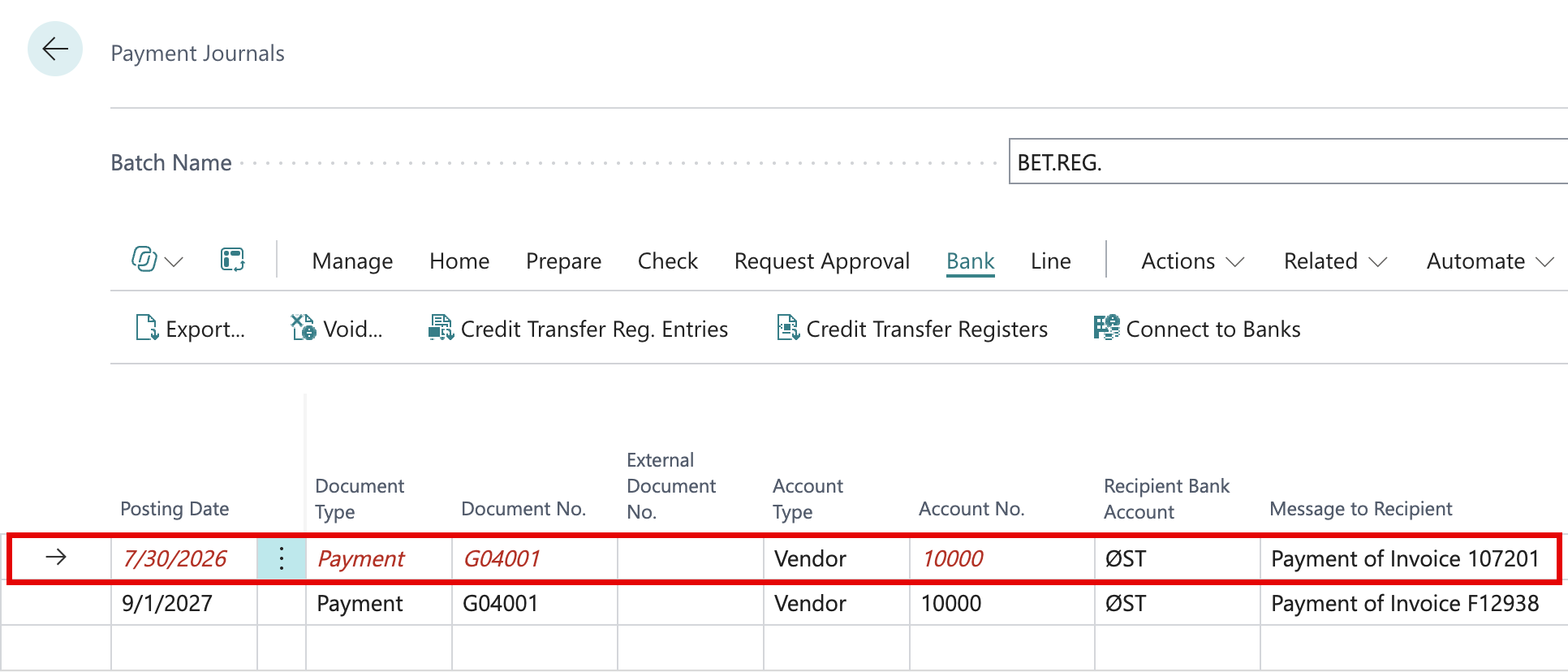
The rejected lines are shown in red, and the reason appears in the Payment File Errors pane. Open the error to see the details, correct the line and export again.
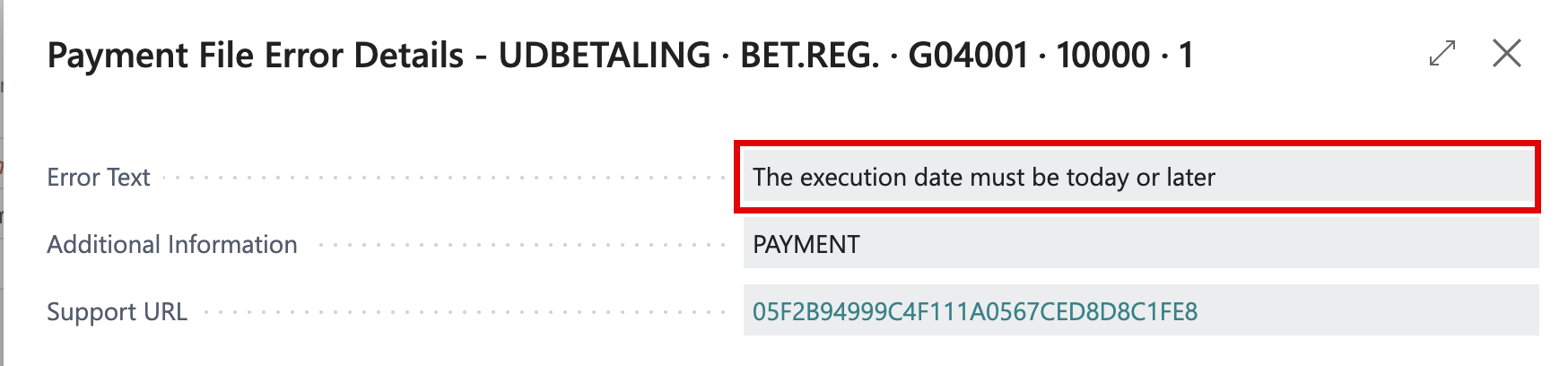
-
Payments that were sent can be found under Credit Transfer Registers on the Bank tab.